Programming Fundamentals: Variables and Data Storage in C
Slides from Enti Escola De Noves Tecnologies Interactives Universitat De Barcelona about Programming Fundamentals. The Pdf introduces variables in programming, explaining declaration and data storage with C code examples. This University-level material in Computer Science covers programming fundamentals, variables, conditionals, and how to store information.
See more24 Pages


Unlock the full PDF for free
Sign up to get full access to the document and start transforming it with AI.
Preview
ENTI - Escola de Noves Tecnologies Interactives
UNIVERSITAT DE BARCELONA
Fonaments de programació
Variables
centre odborit a:
ENTİ Escola de Noves Tecnologies Interactives UNIVERSITAT DE BARCELONA
Conditionals
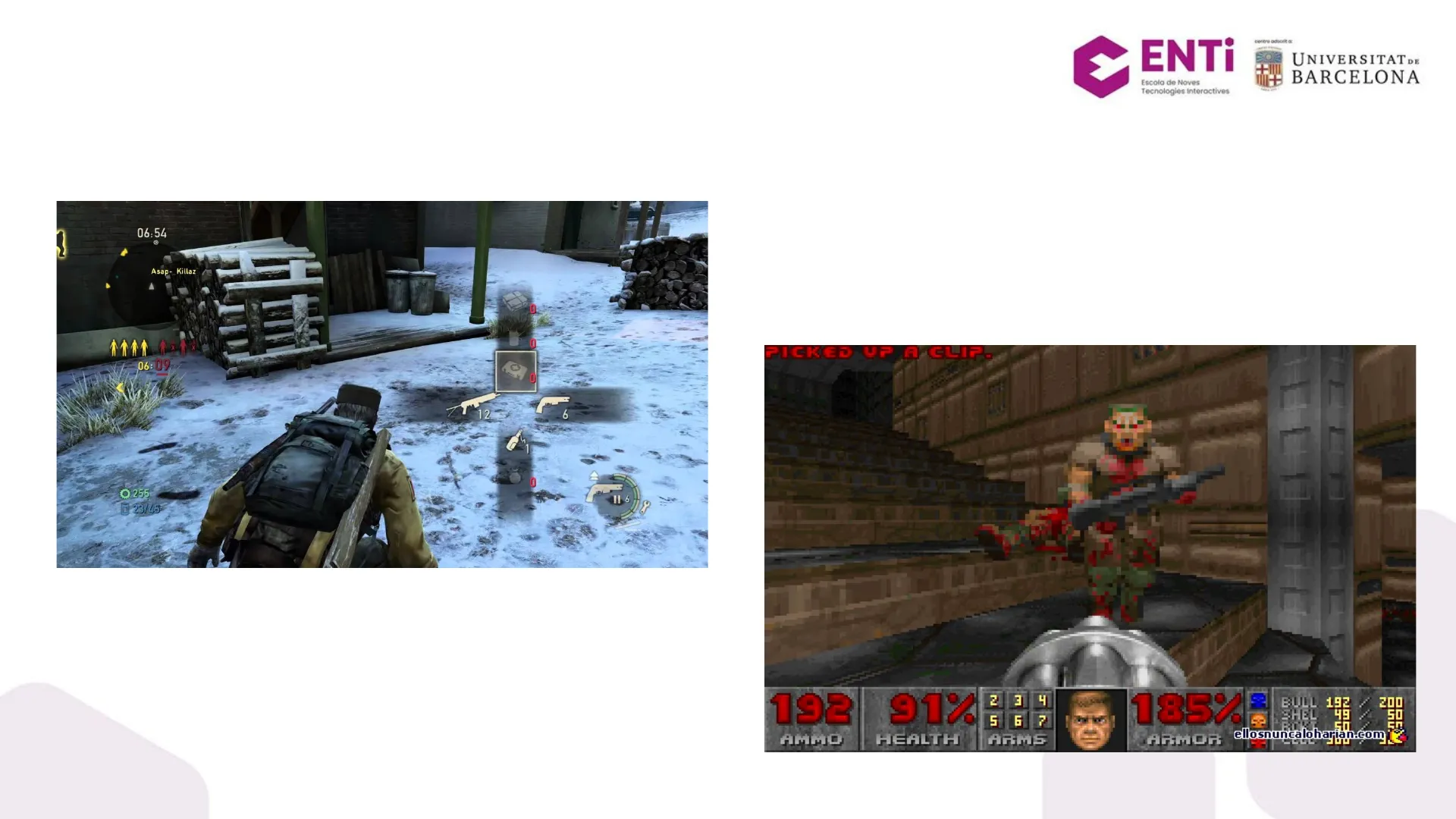
How can we store and use information?
06:54 Asap -_ Killaz 0 x O 06:09 D 12 6 O 6 O 255 23/45 PICKED UP A CLIP. 192 AMMO 91% 2 h E 5 67 ARMS 185% BULL 192 SHEL 200 50 50 En HEALTH ARMOR ellosnuncaloharian.com
Variables: Storing Information
Memory Organization
Computers store things in electronic memory, which is organized in sequential units called memory addresses.
Imagine memory as a large street where each house is identified by an address.
Addresses allow us to find and access the contents of memory at a particular location.
Lerda Grice
Computer Memory Examples
Types of Memory
Computer memory can be found for example as: • CPU Registers • L1/L2 Cache • RAM • Hard disks • Cloud storage ..
The smallest addressable unit of memory is a byte, comprised of 8 sequential bits.
Address 3 11101000 Address 2 00000000 Address 1 10010111 Address 0 01101001
Computers and Binary
Understanding Computer Logic
Remember: Computers are stupid! Computers are 100% electronics. They understand 2 things: ON and OFF. To speak to them we need to use binary.
VU 01010101010 1 1 100 100 001100 011 111001000010101 1 100100101111 11001 101100100001 10110 01 00 00100101011001 11 1000 0001011 10010110 1101 110 10 = 2 0 00011 11100100111010 01000 010110011 11001 001011010 1010010 001 010 1100011110100 10011000101:101101110188 01101000 00 11101118 1 1011010 0111011000 11 0110 000010111 4 1 4 110 101000111 10 011100000 11100010011 11 1001 0 = 0 10111111 1000111 1100001 010001 00110111 110100100 010001 01 1= 1 010 0100 0100 011000 001 10 0 1100 11 100 = 4 101001 11 = 3 011000
Variables in Programming
Storing Information with Variables
A programming language allows us to use variables to store information, without worrying about memory addresses and their content in binary
1 Variable Data
So a variable is the representation of a piece of memory that can be used to store values.
The Compiler's Role
Managing Memory Addresses
To make it easier for programmers to store information without remembering the address, the compiler manages the addresses for us.
CHILL BRO compiler dude I GOT THIS
Simplest Variable Example
Declaring and Assigning
int myVariable; myVariable = 5;
5 myVariable
Simple Program with Variables
C++ Example
#include int main() { int myVariable; myVariable = 5; printf("myVariable is %d", myVariable) ; return 0; }
Declaring Variables
Syntax and Naming Conventions
int myVariable;
This line declares a variable called "myVariable". The compiler creates a 'box' to contain the data, and manages the address for us. The data is going to be an integer, by using the int keyword. Is recommended to use always the same naming convention, we will use the lower camel case: myVariable, entio, jordiRadev, eduardArnau, lowerCamelCase ...
Initializing Variables
Assigning Values
myVariable = 5;
This line fills the variable with data. In this case, the integer 5.
Address Value Name 0x10 5 myVariable 0x14 ? ? 0x18 ? ? ... ...
Other Ways of Initializing Variables in C++
Initialization Methods
Copy initialization Direct initialization Uniform initialization
int myVariable = 5; int myVariable(5); int myVariable{ 5 } ;
This is the safest since C++11, because the compiler will warn us when we are trying to assign another value that is not safely hold by an integer
L-values and R-values
Understanding Value Categories
An l-value is a value that has an address in memory. Since all variables have addresses, all variables are l-values. L-value comes from left side, so when we do an assignment, the left hand side of the assignment operator must be an l-value. Consequently, a statement like 5 = 6; will cause a compile error, because 5 is not an l-value. The value of 5 has no memory, and thus nothing can be assigned to it.
An r-value refers to any value that can be assigned to an l-value. R-values are always evaluated to produce a single value. Examples of r-values are • single numbers (such as 4, which evaluates to 4) • variables (such as x, which evaluates to whatever value was last assigned to it) • expressions (such as x + 2, which evaluates to the value of variable x plus 2).
int x, y; X = 4; y = x + 2;
Identifier Naming Rules
Valid and Invalid Names
1. Must begin with a letter or underscore _ 2. Can only contain letters and/or numbers and/or underscore 3. Cannot contain any spaces 4. Cannot be the same as any reserved keyword
Valid names: sum myVariableName i J6x7 number_of_moves sysflag
Invalid names: sum$value number of moves 3dgame int THƯỜNG ◌͙ ...
Good Style for Naming Variables
Readability and Conciseness
It is good to give variables a logical name as it makes code easier to read BUT names which are too long are difficult to type.
e.g. bad: int theAmountOfMoneyWeMadeThisYear = 100000;
e.g. good: int moneyThisYear = 100000;
Comments in Code
Explaining Your Code
It's always very important to write understandable, self-explanatory code even if we are the only programmers working with that code.
And in order to explain and help us remember what our lines of code are doing, we can use comments, which are parts of our code that the compiler will ignore.
int money = 100000; // Amount of money made this year
Types of Comments
Single-line and Multi-line
C++ single-line comments // this is a comment - the compiler will ignore everything on this line int score = 10; // comments can come after regular statements
C-style multi-line comments /* This is a block comment. * / /* The advantage of these comments is that everything in between the start and the end symbols is ignored by the compiler, so you can have a comment which spans multiple lines */
Simple Arithmetic with Variables
Basic Operations
#include int main() { int a = 5; int b = 10; int sum = a + b; printf("The sum is %d", sum) ; return 0; result = a + b * c / d; }
Basic Arithmetic Operators
Common Symbols
Common operations (such as addition) use special symbols (such as +) that denote the operation.
. - * / These symbols are called operators. They are the same for almost all programming languages.
Variables Task
Practice Exercise
- Create 4 different variables, a, b, c, and d; assign numbers to them, and then print them to the console.
- Create a variable called result and make an arithmetic expression of your choice e.g. result = a + b * c / d; Print the value of result.
Operator Precedence
Mathematical Rules
We use normal mathematical precedence rules: First * and / are evaluated (going from left to right), then + and -
e.g. int result = 3 + 5 * 10; the value of resultis 53, not 80
Using Parentheses
Overruling Precedence
You can use parentheses to overrule operator precedence
int result = (3 + 5) * 10; the value of result is now 80
Undefined Behavior
C/C++ Philosophy
Undefined behavior is the result of executing code whose behavior is not well defined by the language. C and C++ don't have any rules determining what happens for example if you use the value of a variable that has not been initialized. The nature of undefined behavior is that you never quite know what you're going to get, whether you'll get it every time, and whether it'll change when you make other changes.
Remember C/C++ philosophy: "Trust the programmer"
Jordi Radev - jradev@enti.cat L FRE: ART BUTTI H
Can’t find what you’re looking for?
Explore more topics in the Algor library or create your own materials with AI.